


Get The App


Editor's Reviews
The Description of Opera browser with AI
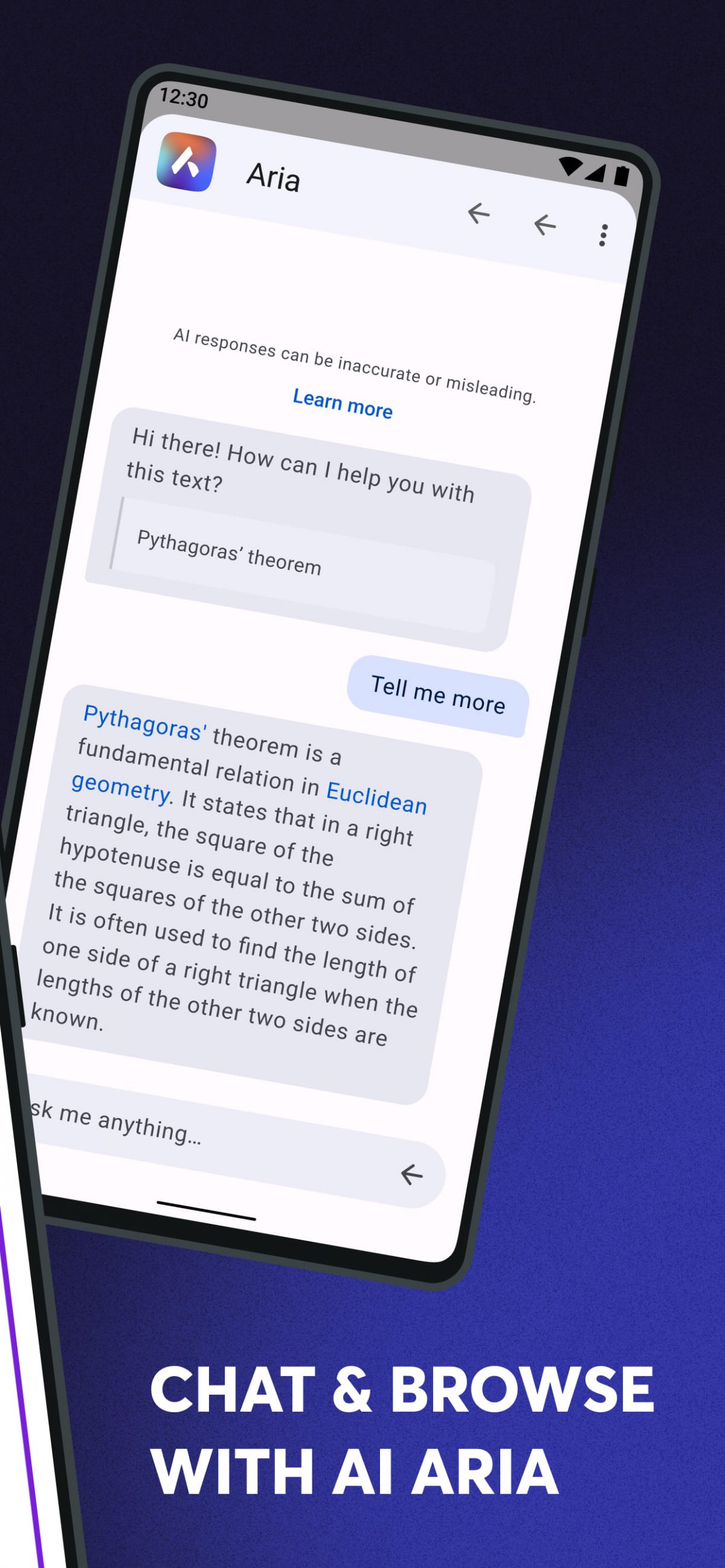
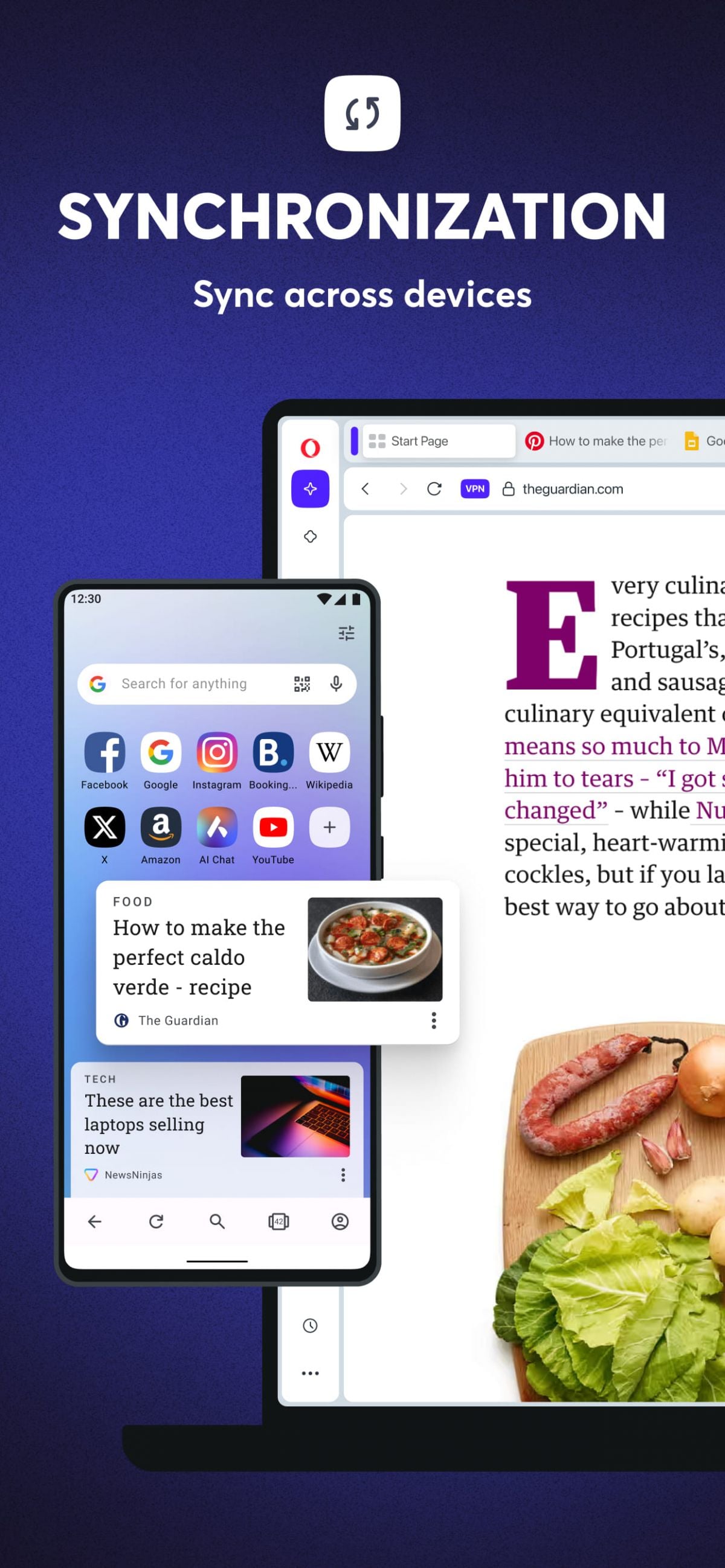
Opera Browser with AI is a multi-platform intelligent browser developed by Opera, integrating artificial intelligence technology into its traditional browser. Compared to other mainstream browsers, it boasts distinctive features in interface design, browsing speed, privacy protection, cross-device synchronization, and integration of built-in tools and third-party services. Especially against the backdrop of rapid AI technology development, Opera has incorporated a native AI assistant within the browser and supports users connecting to different AI models such as ChatGPT, Claude, and Gemini, making the browsing experience more intelligent and efficient. This browser is available on Windows, macOS, Android, and iOS, and also offers seamless synchronization between desktop and mobile devices.
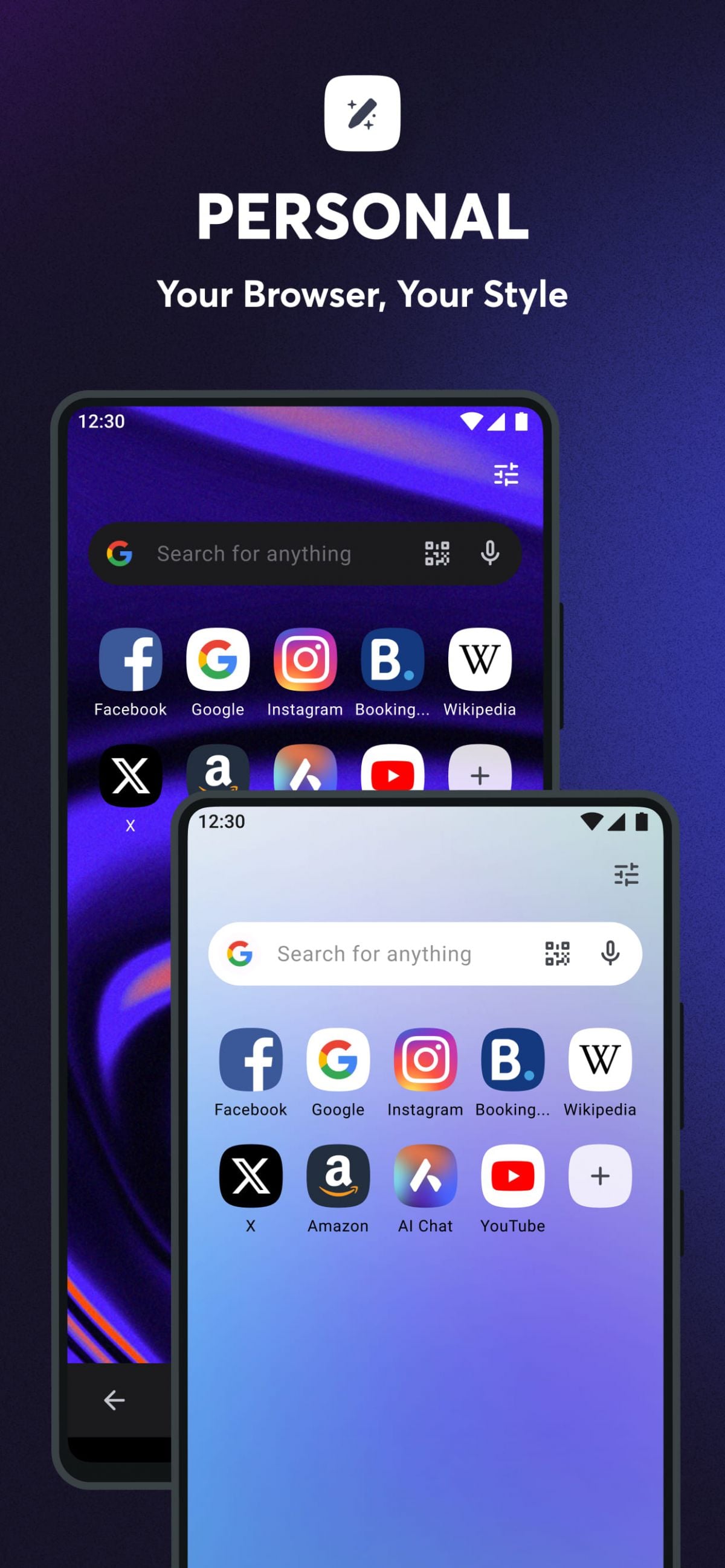
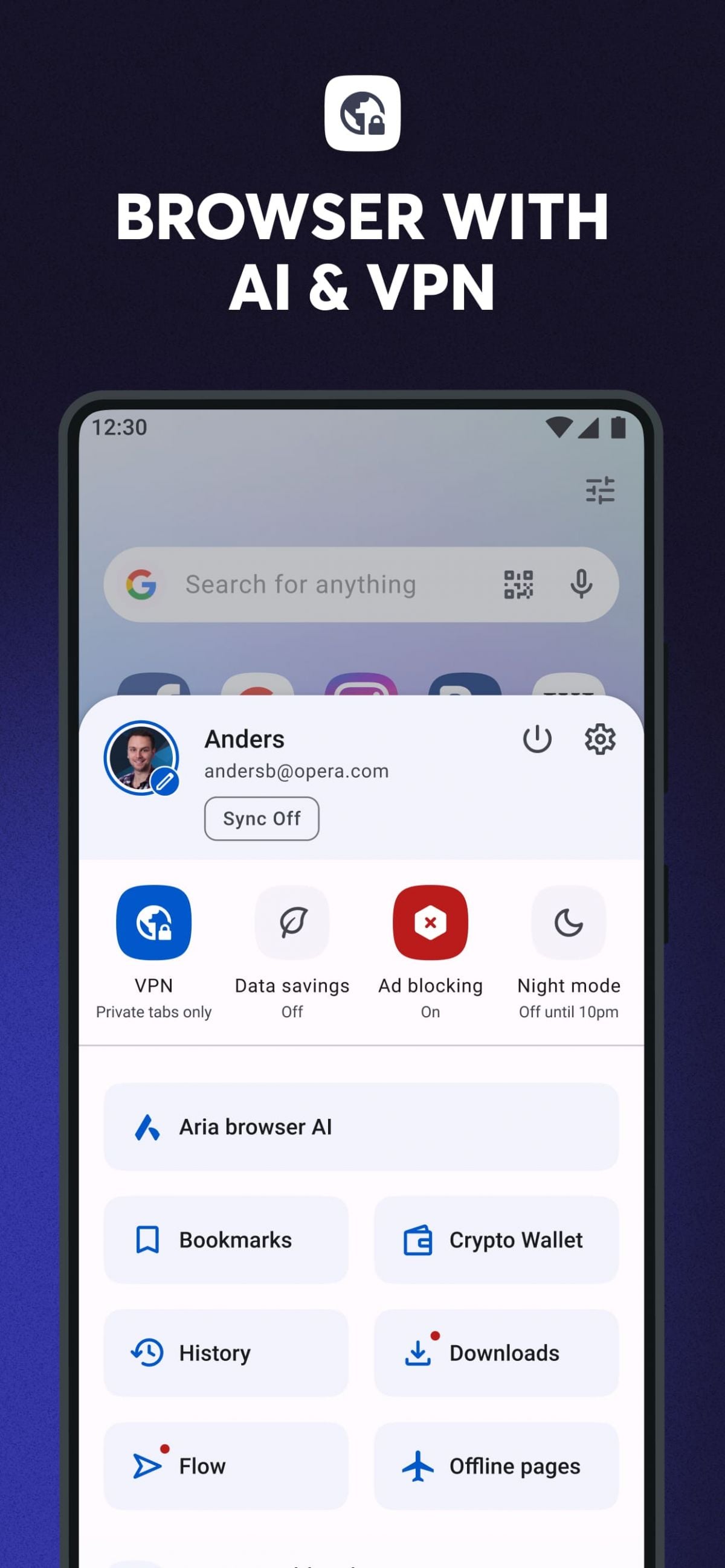
Opera Browser with AI features a clean and fluid interface with a content-centric layout. The top features a tab bar and navigation bar, while the sidebar provides quick access to bookmarks, history, AI assistant, download management, workspace switching, social applications, and various extensions. The mobile interface has been optimized for touch input, with a bottom navigation bar and shortcut gestures making one-handed operation easier. Compared to some browsers with complex layouts and scattered function entry points, Opera emphasizes reducing operational layers, allowing users to find the tools or information they need more quickly.
App Store Performance
Opera Browser with AI has maintained a relatively stable performance on the App Store and Google Play. Mobile downloads have exceeded 100 million, and its rating remains between 4.3 and 4.6 in most regions. Users generally praise its beautiful interface, fast speed, and effective ad blocking, especially the built-in AI and free VPN, which make it more intelligent and flexible than ordinary browsers.
Opera browser with AI Pros and Cons
Pros:
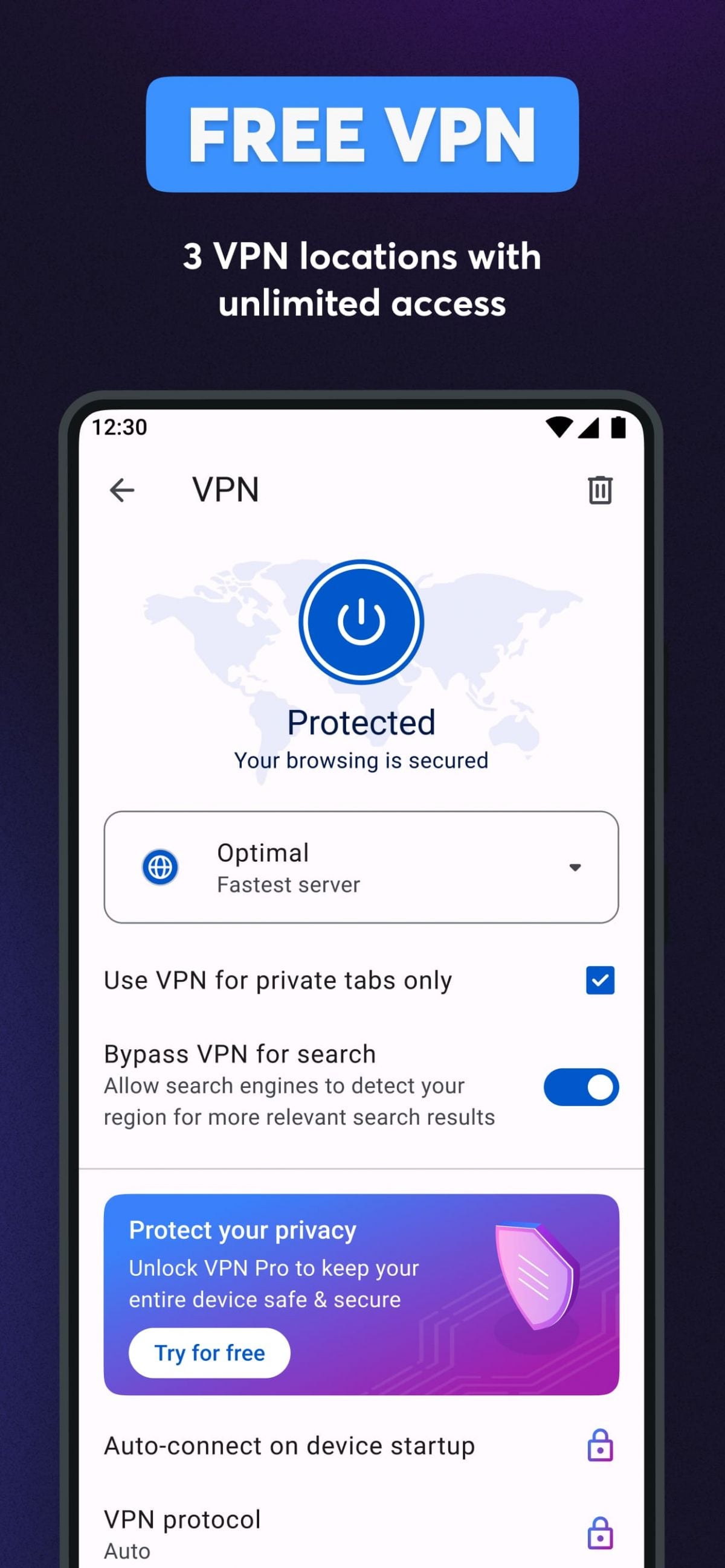
First, native AI integration requires no additional login or plugin installation, enabling real-time analysis and rewriting of web pages and documents, improving efficiency. Second, built-in ad blocking requires no additional configuration, helping to improve network speed, protect privacy, and enhance the reading experience. Third, the free VPN service can be used to enhance anonymity and cross-regional access capabilities, allowing users to smoothly access online content even in scenarios with many network restrictions. Fourth, excellent multi-platform synchronization capabilities allow for quick synchronization of bookmarks, history, and settings across desktop and mobile devices. Fifth, optimized resource management makes it suitable for devices with limited memory, especially mid-to-low-end mobile phones or older computers.
Cons:
First, the AI functionality still relies on network conditions; response speeds will significantly decrease when the network is unstable. Also, free VPNs have limited speed and selectable regions, and cannot completely replace paid VPNs. Second, because it uses the Chromium kernel, while compatibility is good, some resource-intensive web pages or videos may still experience high memory usage after prolonged use, requiring users to manually close tabs or clear the cache. Furthermore, while the sidebar is convenient, it may seem overly cluttered for users who prefer a simpler interface, requiring some personalization and settings to achieve the desired minimalist look. Some users have also mentioned that AI summarization or text rewriting may produce inaccuracies or misunderstandings in certain areas of content. This is related to the capabilities of the AI model and the scope of the corpus, not a defect in the browser itself, but users still need to judge and filter in actual use.
Opera browser with AI Reviews
In summary, Opera Browser with AI is a modern, intelligent browser that deeply integrates browsing experience with an AI assistant. It not only provides basic functions such as high-speed web browsing, ad blocking, free VPN, and cross-platform synchronization, but also uses AI technology to help users improve reading comprehension, information processing, and content creation efficiency. For users who frequently need to consult materials, organize information, write text, or seek high levels of privacy protection, this browser offers a more efficient and personalized experience.
Editor's Reviews
The Description of Opera browser with AI
Opera Browser with AI is a smart browser developed by Opera, building upon its classic browser and integrating artificial intelligence features, privacy and security tools, and multi-device synchronization capabilities. Compared to traditional browsers that only handle basic functions like page loading and tab management, the new version of Opera emphasizes improved browsing efficiency and intelligent information processing. By deeply integrating an AI assistant within the browser, it makes browsing web pages, searching for information, organizing content, and creating content faster and smoother. It is available on Windows, macOS, Linux, Android, and iOS platforms and supports cross-device data synchronization, ensuring a consistent user experience whether on a mobile phone or computer.
In terms of design, Opera Browser with AI continues the minimalist and modular approach. The tab bar uses a compact layout to reduce space usage. A sidebar is provided on the left side of the browser, allowing users to quickly access bookmarks, history, downloads, AI tools, personal space, workspace groups, social chat applications, and extension management tools. Compared to other browsers, the sidebar is more prominent, allowing frequently used tools to be accessed at any time without needing to navigate through multiple pages. The mobile interface is optimized for one-handed operation, with a bottom toolbar and quick gestures for easy switching between web pages, opening menus, or accessing the AI assistant. The overall interaction is smooth, requiring minimal learning curve.
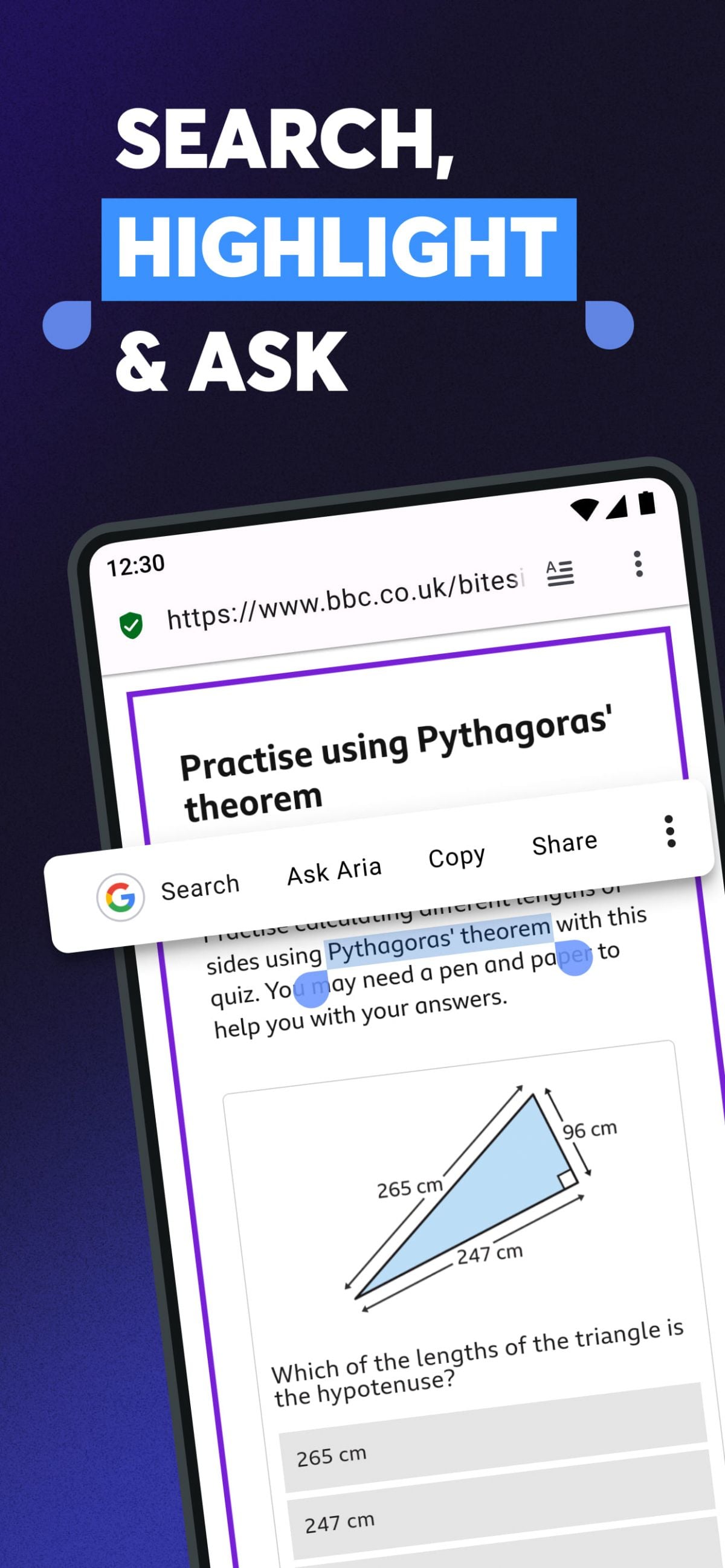
Opera browser with AI's built-in AI assistant is its core highlight. Users can directly open an AI dialogue window in the sidebar to perform tasks such as searching, summarizing text, analyzing conversations, generating article drafts, rewriting sentences, translating languages, interpreting code, or brainstorming ideas. Compared to external AI web pages, native integration means users don't need to copy and paste web page content or switch windows. For example, when browsing a long news article or technical document, users can directly click the AI button to have the AI automatically generate a summary; when writing emails or project documents, users can request the AI to polish or expand sentences based on tone and content requirements; when visiting foreign language websites, the AI can directly translate paragraphs within the page. This ability to process content while browsing significantly improves information processing efficiency.
App Store Performance
Opera Browser with AI has maintained a relatively stable performance on the App Store and Google Play. Mobile downloads have exceeded 100 million, and its rating remains between 4.3 and 4.6 in most regions. Users generally praise its beautiful interface, fast speed, and effective ad blocking, especially the built-in AI and free VPN, which make it more intelligent and flexible than ordinary browsers.
Opera browser with AI Pros and Cons
Pros:
First, native AI integration delivers an efficient browsing experience, directly assisting in summarizing, translating, analyzing, and writing. Second, built-in ad blocking reduces page clutter, improves loading speed, and protects privacy. Third, the free VPN provides basic anonymous browsing capabilities, enhancing access freedom. Fourth, smooth multi-device synchronization makes it suitable for cross-platform use. Fifth, well-optimized resources allow for smooth operation even on low-to-mid-range devices. Sixth, the sidebar tools are practically laid out, reducing complex operation steps.
Cons:
First, the quality of AI output depends on the model itself; professional content still requires human judgment. Second, free VPNs have limited coverage areas and are slower than commercial services. Third, browser performance may be affected on some older devices or in weak network environments. Fourth, for users who prefer a minimalist interface, the sidebar and multi-functional entry points may seem overly feature-rich, requiring manual adjustment and hiding. Fifth, although based on Chromium, some websites still have insufficient optimization for certain functions, occasionally resulting in compatibility differences.
Opera browser with AI Reviews
Overall, Opera Browser with AI is a well-defined, feature-rich, and mature smart browser. It is suitable for users who want to improve information processing efficiency, value privacy and cross-device usability, and are willing to leverage AI tools to accelerate reading and creation in their daily browsing.
More App